Stop typing
the same reply.
A short trigger brings back your whole message.
Clipboard history for Mac
Find that link, image, or bit of text you copied earlier. NanoClip keeps your Mac’s clipboard history searchable, so you can bring it back in a few keystrokes.

macOS 14+ · No account required
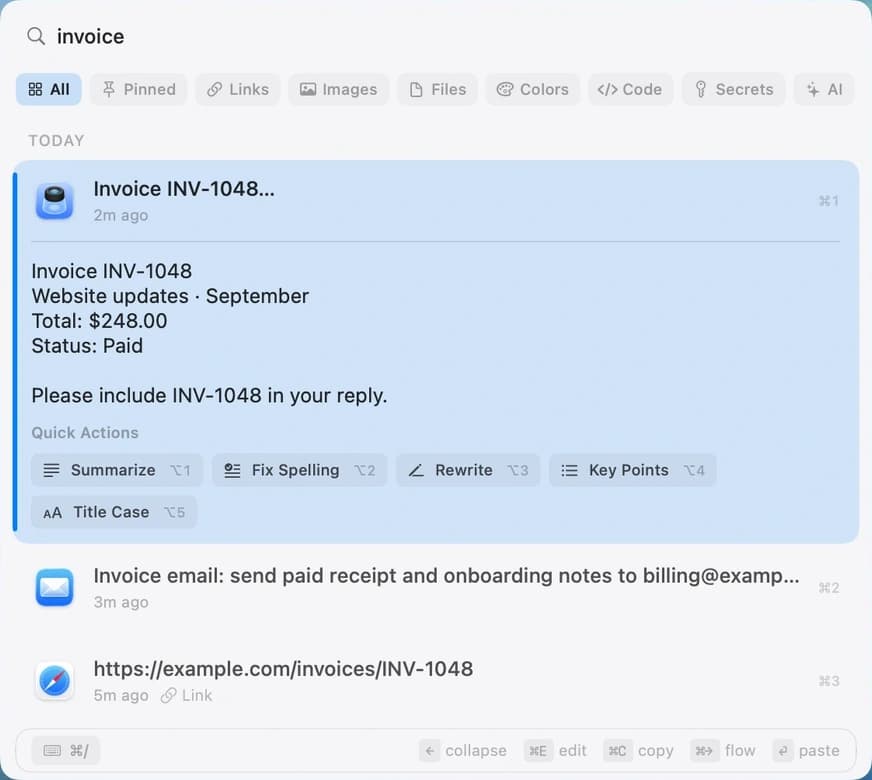
A short trigger brings back your whole message.
Line up copied details. Paste them into a form in order.
Avery Chen
avery@example.com
742 Market Street
Clean URL removes tracking tags before you paste.
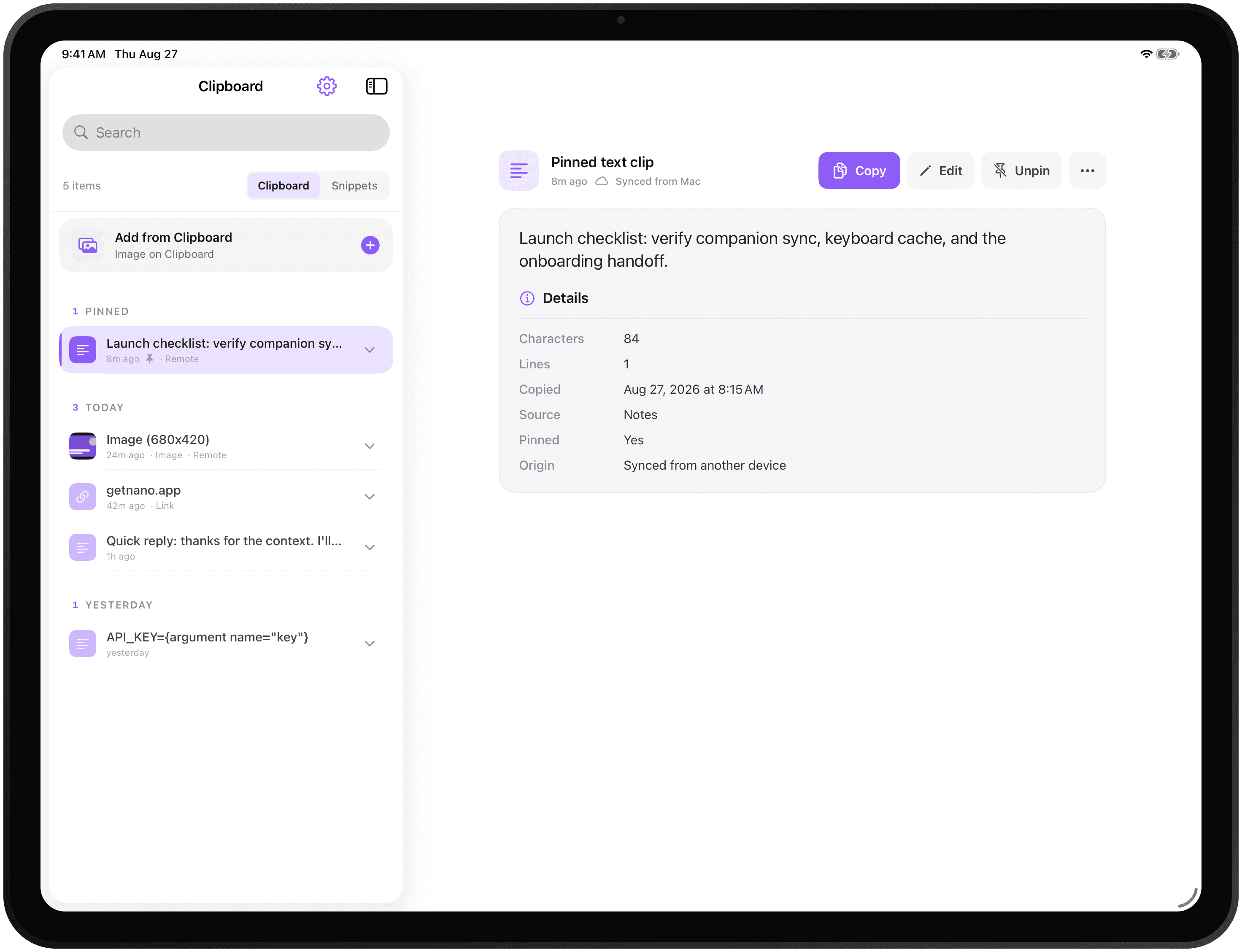
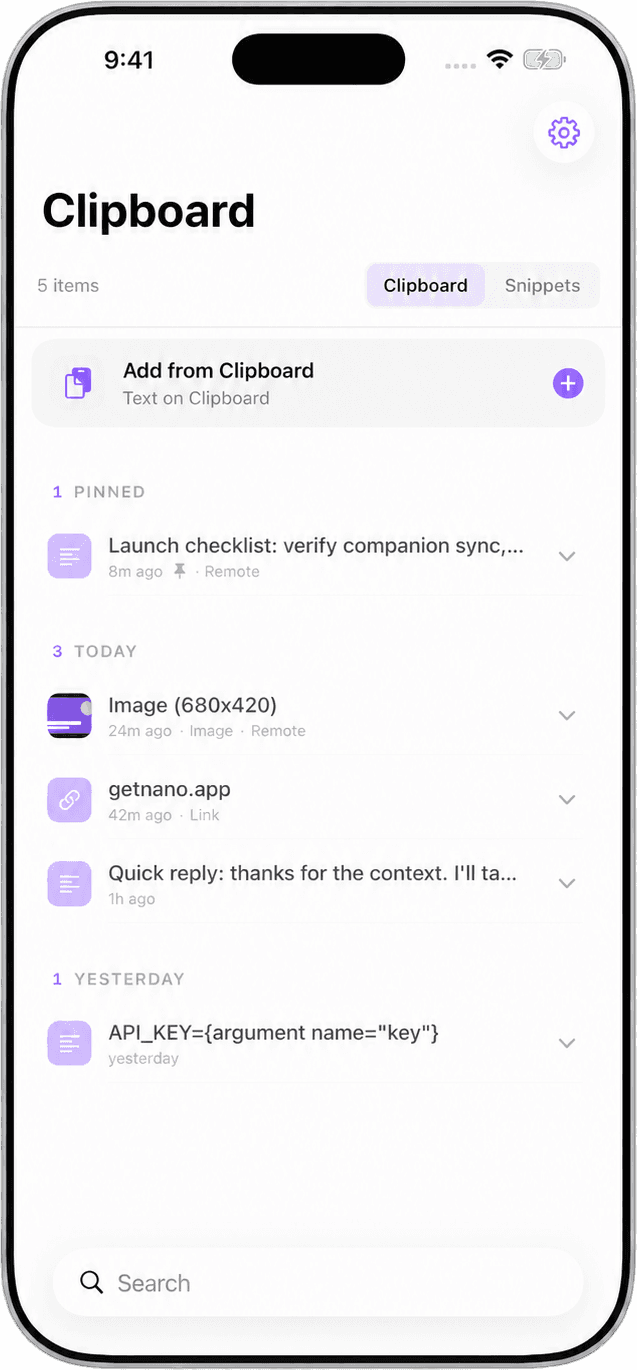
getnano.dev/clip?utm_source=emailgetnano.dev/clipYour clips and snippets, close on iPhone and iPad.
Free to start. Pro when you need it.
Start with searchable history and a few saved replies. Pro adds the tools for bigger clipboard workflows.
No subscription. No account required to use the app.
| Free$0 | Pro$9.99One-time purchase | |
|---|---|---|
| Clipboard history | No paid limit | No paid limit |
| Saved snippets | 3 | Up to 500 |
| Emoji picker | Included | Included |
| Run and create Flows | — | Included |
| Paste queue and pins | — | Included |
| Optional iCloud sync | — | Included |
| Themes and fonts | Default | All options |
History and retention settings apply to both tiers. Optional AI providers may charge separately.
Pro checkout is for the direct Mac download. App Store purchases are handled separately.
A few practical answers
Yes. Clipboard history has no paid item limit; your history and retention settings still apply. Free also includes three snippets and the emoji picker. An optional Pro upgrade for $9.99 once adds Flows, paste queue, pins, iCloud sync, more snippets, and appearance options.
No. NanoClip Pro is a one-time purchase for $9.99. There is no recurring subscription. The website’s Pro checkout is for a direct-download Mac license; the Mac App Store handles purchases separately.
Clipboard history is stored locally on your Mac. Optional Pro sync sends clips and snippets through your private iCloud account. If you run a Flow with a cloud AI step, its input is sent to the provider you configure. Local tools and local models are available too. Provider fees may apply. Product usage analytics do not include clipboard content. Read the privacy policy ↗
NanoClip requires macOS 14 or later and supports Apple Silicon and Intel Macs. The iPhone and iPad companion requires iOS 17 or iPadOS 17 or later. It syncs clips and snippets while open, with full image sync available as a separate setting. Flows and paste queue are Mac features.
Download the Mac disk image, open it, and drag NanoClip into Applications. Launch the app and follow its setup. Allow Accessibility access for pasting into other apps. You can also install NanoClip from the Mac App Store. Open the setup guide ↗
No NanoApps account is required to use the app. Optional iCloud sync uses the Apple account already signed in on your devices. Buying a direct Pro license requires an email address for delivery; activate the key in NanoClip’s settings.
Start with free clipboard history and three saved snippets. Add Pro when you need more.
macOS 14+ · No account required
Explore NanoClip
Practical guides for clipboard history, sequential paste, reusable text, device sync, pricing, and choosing the right Mac workflow.